



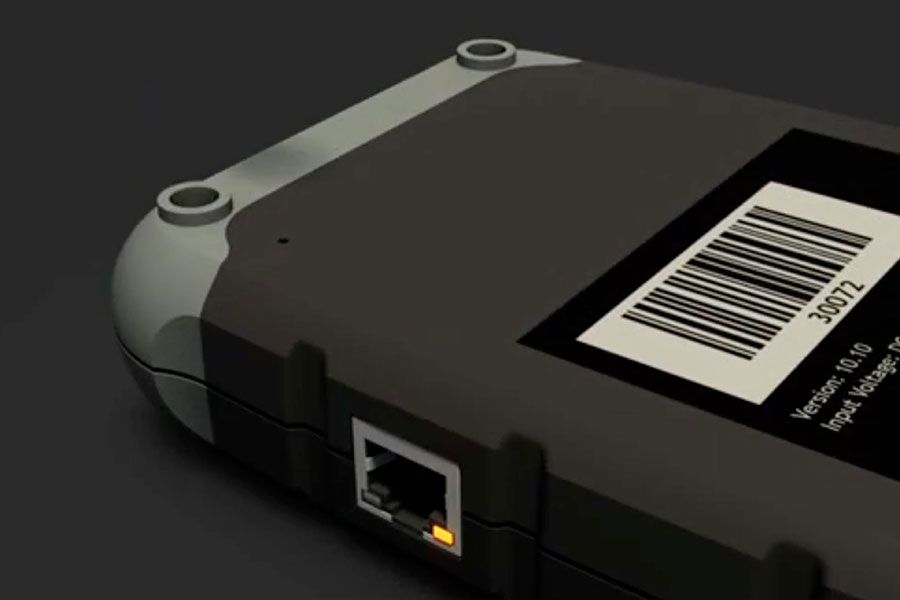
Would you like to use the Diagnosis on Demand VCI on the road or at another location? In our tutorial we show you how to reset the diagnostic device to connect to a new WiFi network.
1. Using the VCI on the road or at another location?
2. Use the supplied reset pin or a paper clip and press the reset switch for about 2 seconds.
3. The orange LED is constantly on and the green LED flashes slowly (900 msec on / off).
4. The VCI is ready to connect to another network.
5. Connect to the prefered network and restart the pairing session.
Dongle, self-diagnosis device
Articlenumber: AU3990401
